
When a business moves into the cloud, productivity stops being about individual effort and starts being about collective momentum. The ecosystem that makes this happen smoothly is a suite of applications designed to act less like separate programs and more like an interconnected digital office. This is where the Google Workspace Primary Tools come into play.
To help your team work faster and smarter, let’s break down the Google Workspace primary tools, explore how they natively integrate, and look at real-world examples of how businesses use them to collaborate in real time.
Get to Know the Google Workspace Primary Tools
1. Google Docs, Sheets, and Slides (The Document Creators)
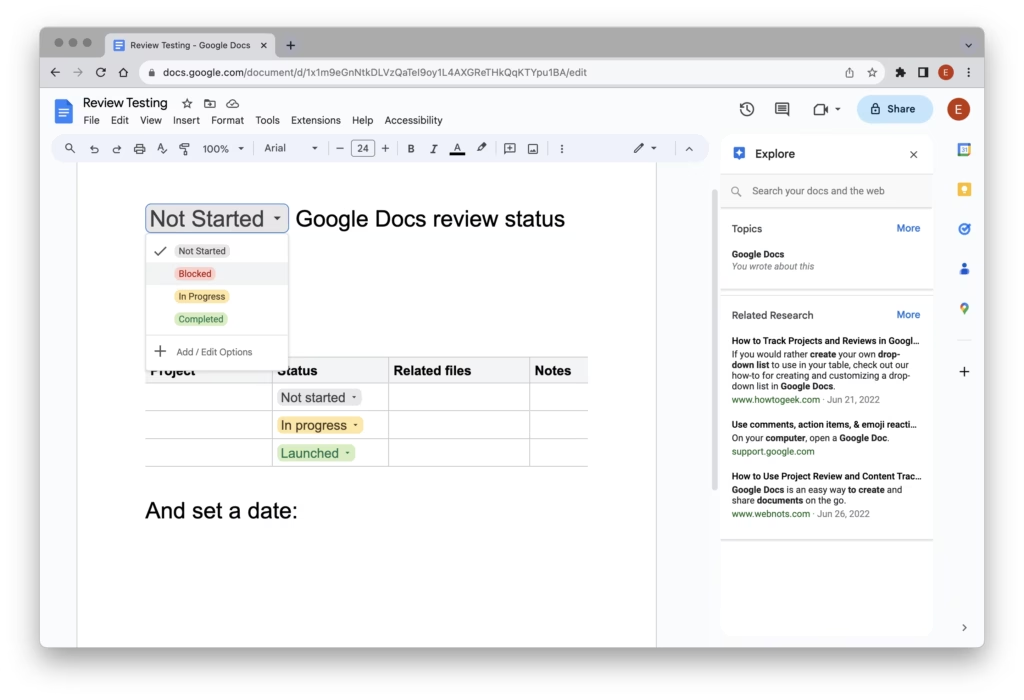
At the absolute core of the Google Workspace primary tools are the content creation engines. What sets Docs, Sheets, and Slides apart from legacy desktop apps is a commitment to a single source of truth. Multiple team members can work inside the same file at the exact same time, completely eliminating version-control confusion.
- Key Collaboration Features: Real-time cursor tracking, suggestions mode, and interactive inline
@mentionsthat can assign specific action items to colleagues directly inside a paragraph or cell.
Real-World Business Example: A marketing agency is preparing a large client pitch. The copywriter drafts the text in Docs, while the strategist builds the budget template in Sheets. Simultaneously, the graphic designer pulls the approved copy and numbers directly into a Slides presentation. Instead of emailing endless attachments back and forth, the entire team reviews the master files synchronously, dropping comments and tagging owners to approve final changes hours before the deadline.
2. Google Drive (The Central Storage Hub)
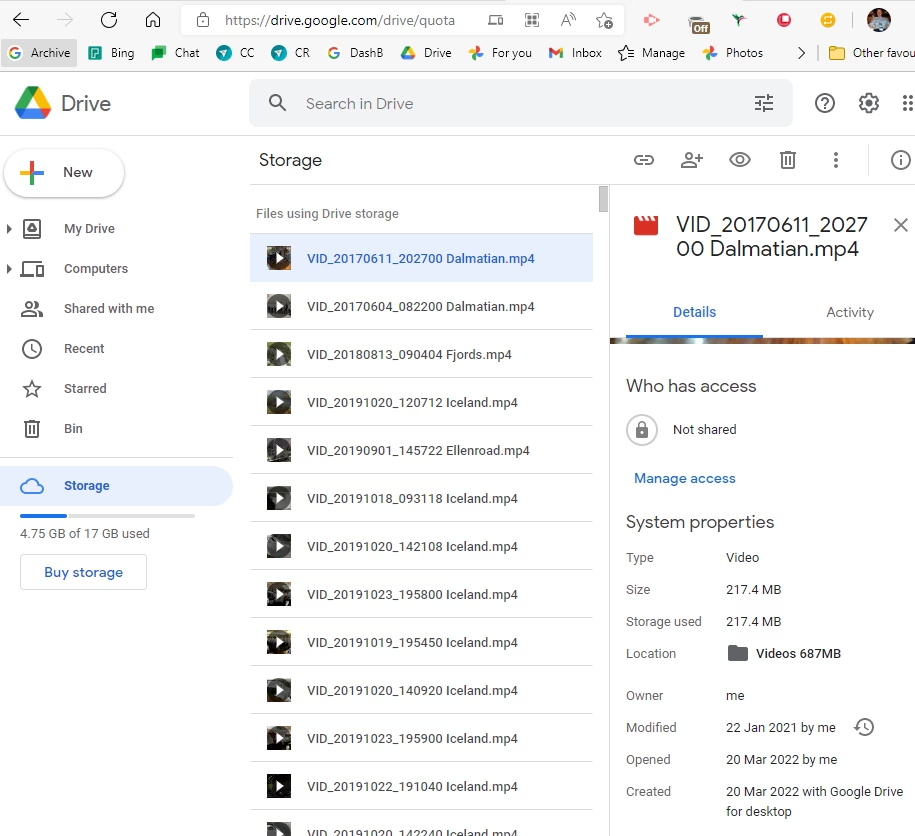
Co-authoring great work doesn’t matter if your team can’t find the files. Google Drive provides secure, cloud-based storage that acts as your organization’s collective memory.
- Key Collaboration Features: Shared Drives. Unlike “My Drive” (where files belong to whoever created them), Shared Drives belong to the designated team or project. If an employee leaves the company, the files stay securely right where they are.
Real-World Business Example: A retail company is launching a new storefront. The operations director creates a Shared Drive called “Downtown Launch.” Every contractor, vendor, and manager is granted specific access permissions (Viewer, Commenter, or Editor). Architectural blueprints, permitting PDFs, and vendor contracts are dropped here, ensuring that a field manager on a smartphone can pull up the exact same document that the legal team is looking at back at headquarters.
3. Google Meet and Google Chat (The Communication Suite)
Communication shouldn’t require jumping between three different windows. Google Meet (video conferencing) and Google Chat (team messaging) are woven directly into the fabric of your inbox and documents.
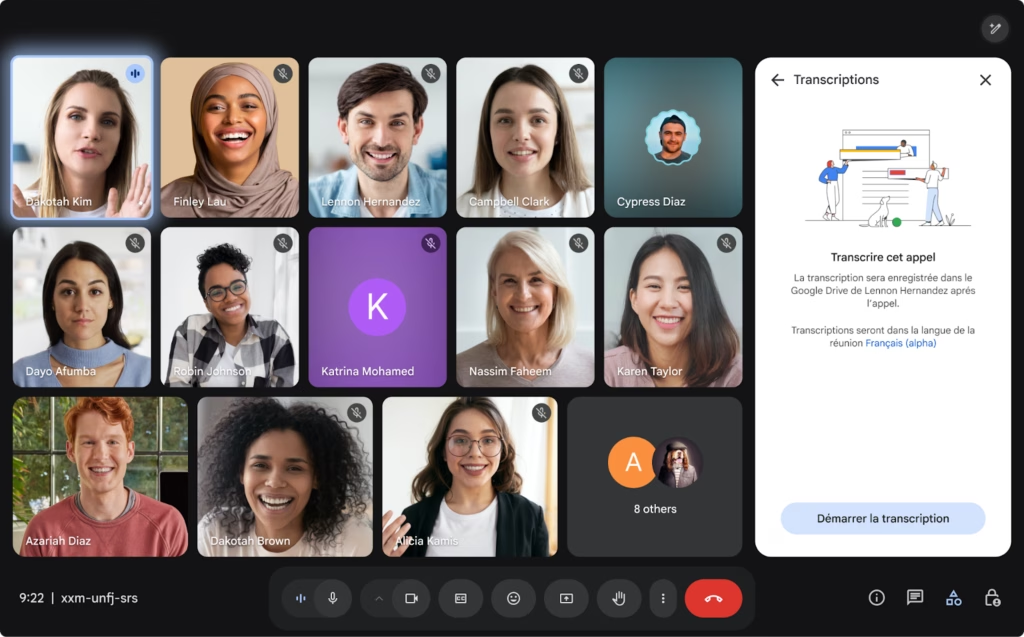
- Key Collaboration Features: You can launch a Meet video call or drop a Chat link directly from the sidebar of a Google Doc. In Meet, features like live polls, collaborative whiteboarding, and automatic transcriptions saved to Drive keep virtual meetings focused.
Real-World Business Example: A software development team experiences a critical bug. Instead of writing a long, confusing email string, they jump into a dedicated Google Chat room. Realizing they need to sync face-to-face, the team lead clicks the video icon inside the chat window, spinning up a Google Meet call instantly. During the call, they share screens to debug the script together, dropping the solution link back into the chat for future reference.
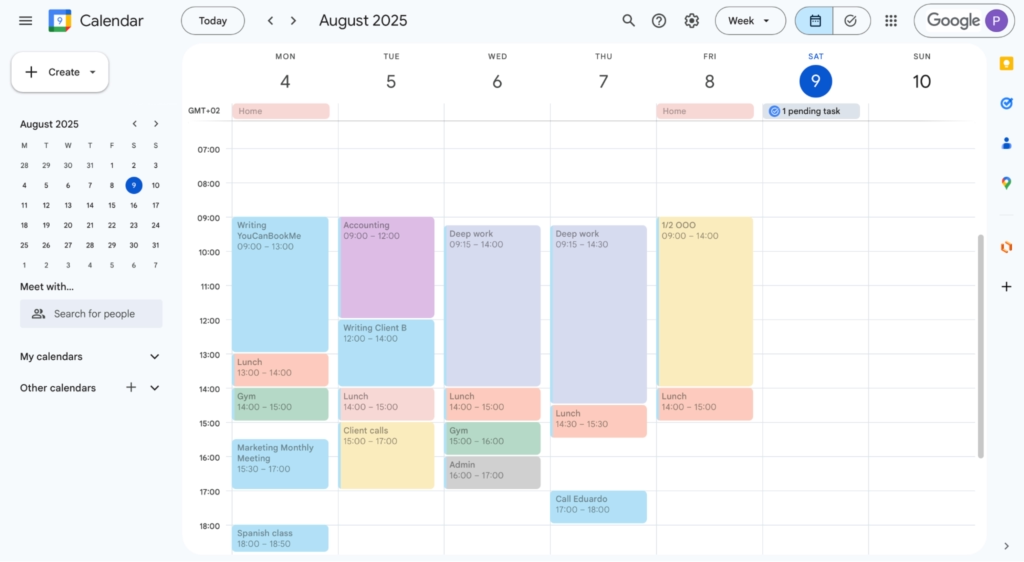
4. Google Calendar (The Time Coordinator)
A tool is only as collaborative as a team’s schedule allows. Google Calendar ensures that finding a time to connect requires zero awkward back-and-forth messaging.
- Key Collaboration Features: Calendar overlaying (viewing multiple team schedules at once) and Appointment Slots, which allow external clients or internal team members to book open blocks of time directly on your schedule.
Real-World Business Example: An HR manager needs to schedule a panel interview with three busy executives and an external job candidate. Instead of emailing everyone to ask when they are free, the manager overlays the executives’ schedules in Google Calendar to find an open 45-minute window. They send the invite, and Google automatically generates a secure Google Meet link inside the invitation, booking the time across everyone’s dashboards simultaneously.
The Power of Integration Using the Google Workspace Primary Tools
The true brilliance of the Google Workspace primary tools isn’t found in any single app alone—it’s found in the frictionless ecosystem they build together. Because every tool talks to the others natively, your team spends less time managing software and more time driving the business forward.